Powerful Features for Large Documents
Notta is designed for handling large documents, providing smooth editing experience and rich feature support
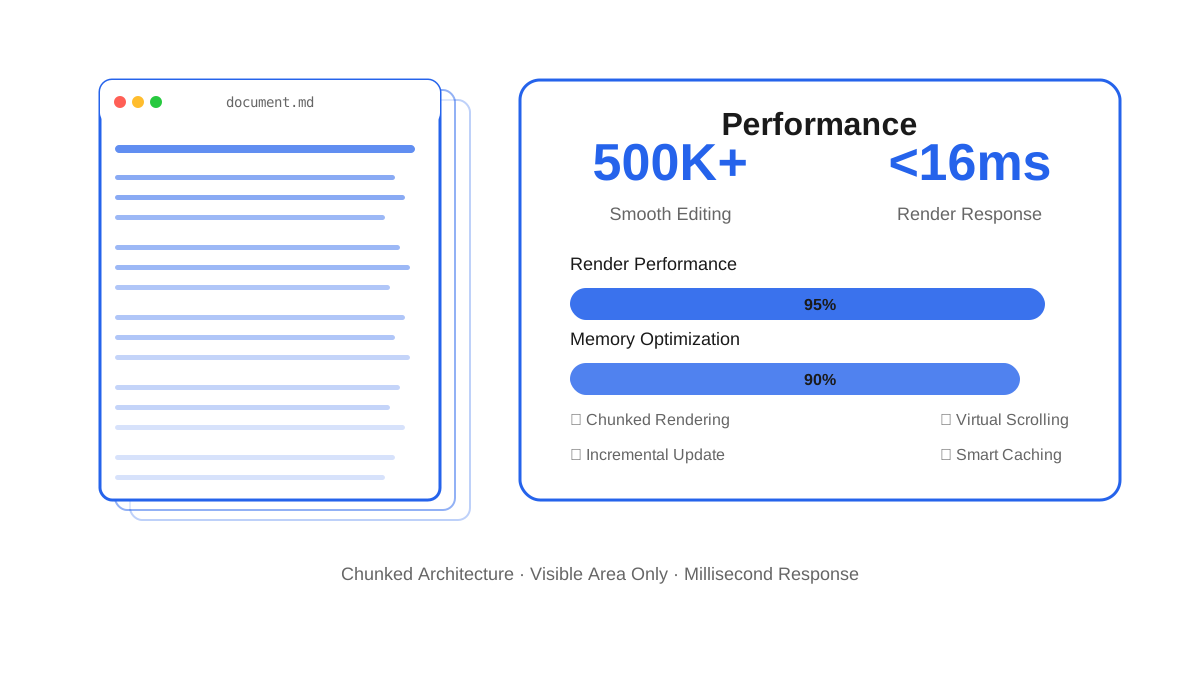
Large Documents Without Lag
Innovative chunked architecture enables smooth editing even with 100,000-word documents
- •Chunked loading, renders only visible areas
- •Smooth editing of 100,000-word documents
- •Performance far exceeds traditional Markdown editors
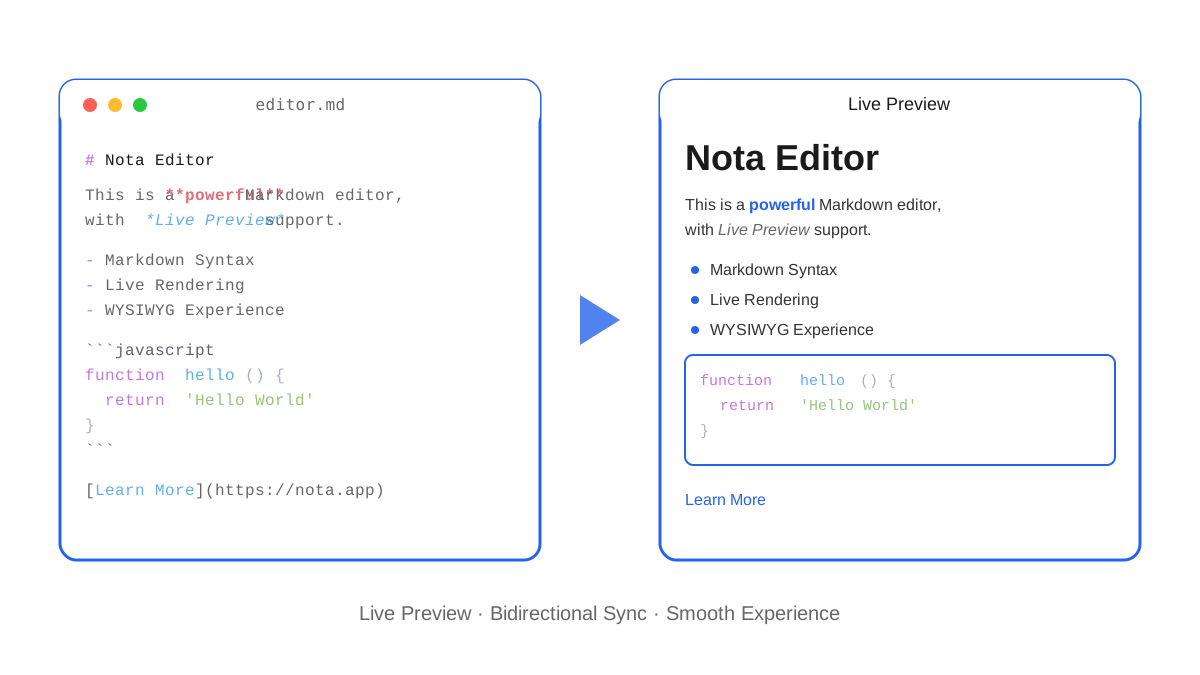
WYSIWYG Editing
Real-time preview without switching windows, editing and preview in sync
- •Real-time Markdown syntax rendering
- •Rich keyboard shortcut support
- •Smooth and natural editing experience
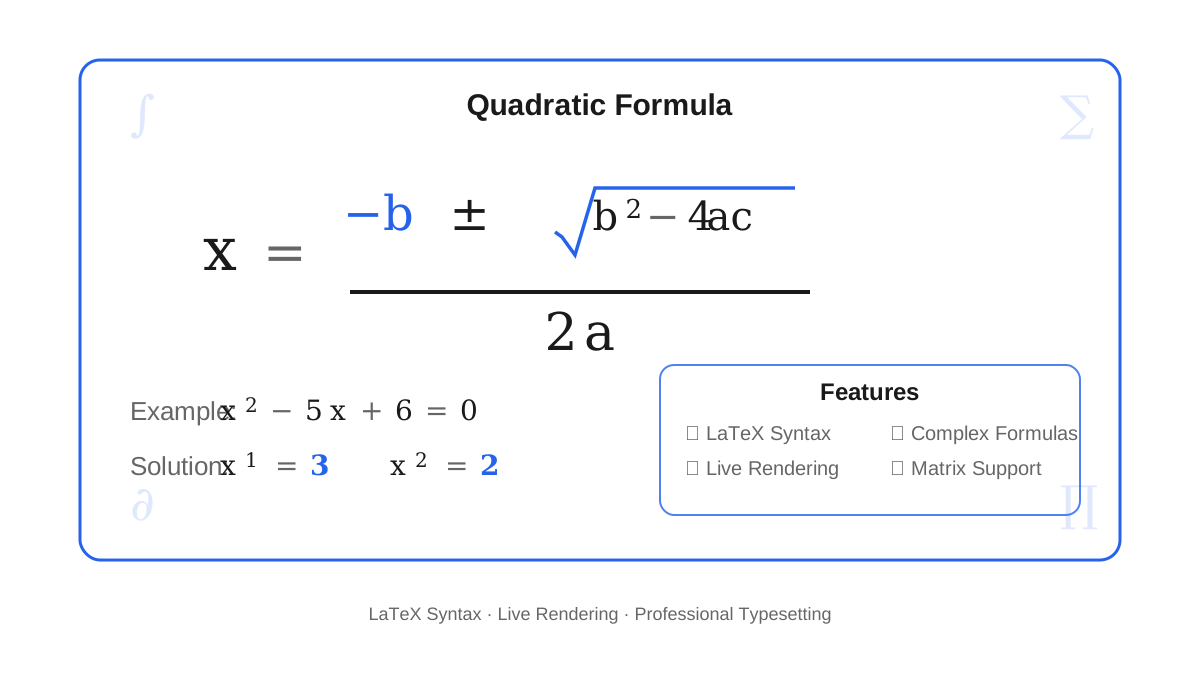
Math Formula Support
Full LaTeX syntax support for writing complex mathematical formulas easily
- •Supports inline and block formulas
- •Real-time formula rendering
- •Common formula templates provided
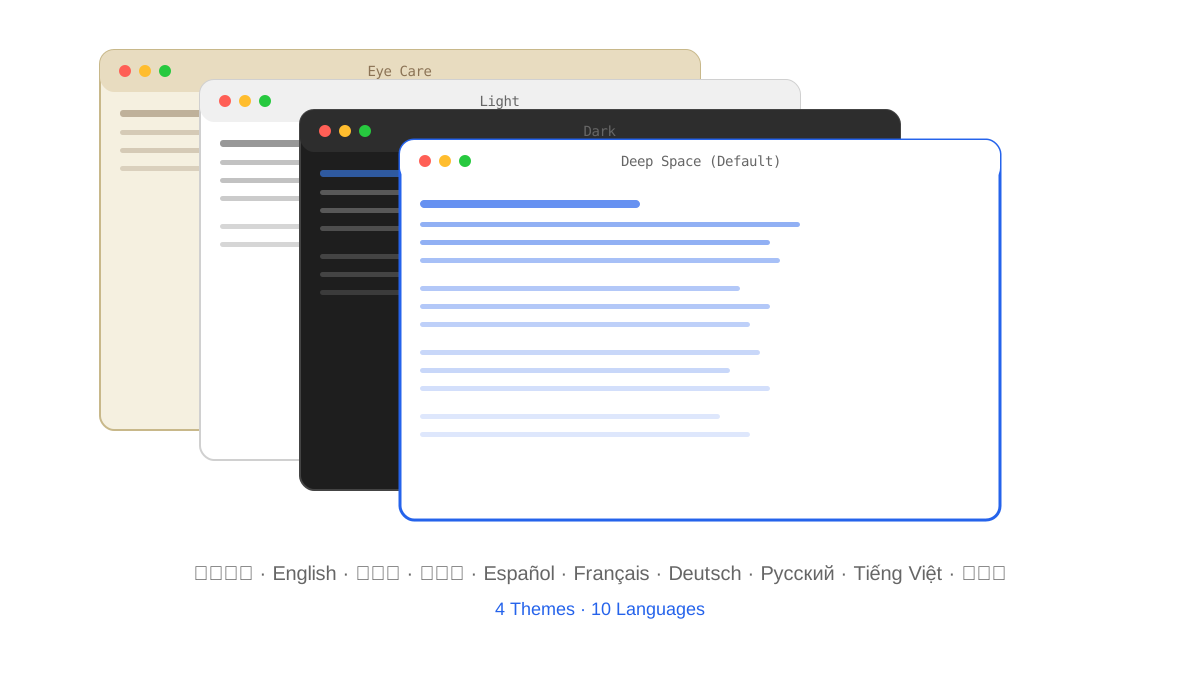
Multi-Theme Multi-Language
4 carefully designed themes, 10 language interfaces, meeting global user needs
- •Deep Space, Dark, Light, Eye Care themes
- •10 language interface switching
- •Theme and language settings auto-saved
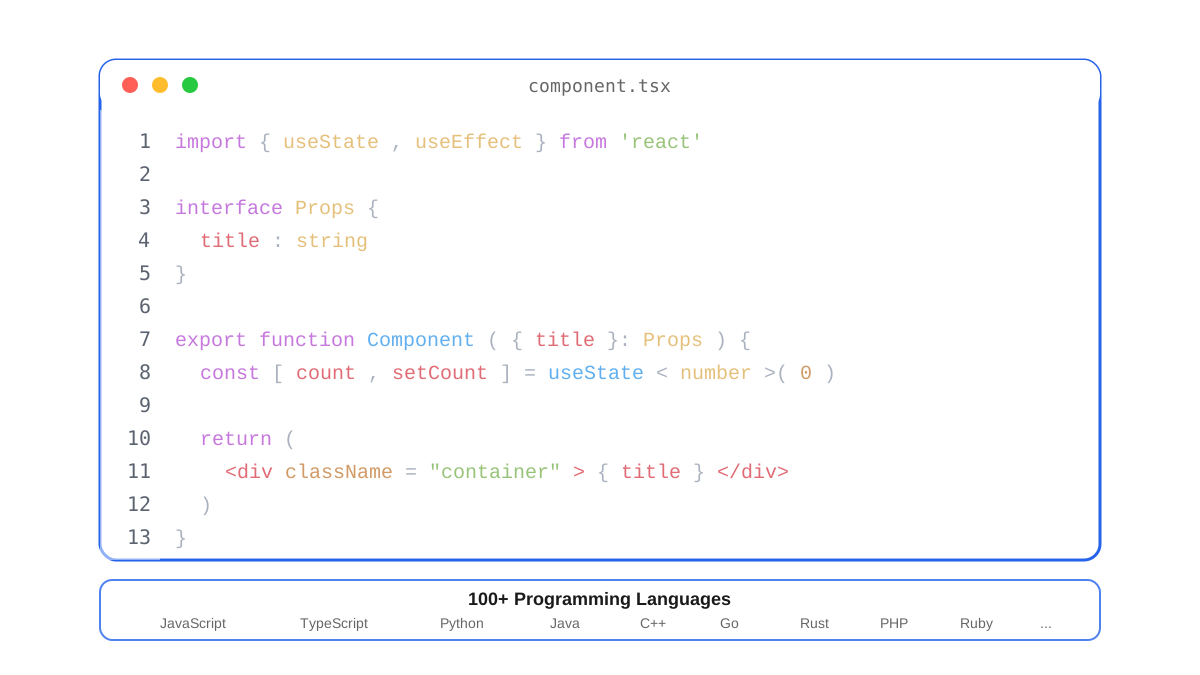
Code Highlighting
Syntax highlighting for 100+ programming languages, clear and beautiful code display
- •Supports 100+ programming languages
- •Precise syntax highlighting
- •Automatic language detection for code blocks
Flexible Export
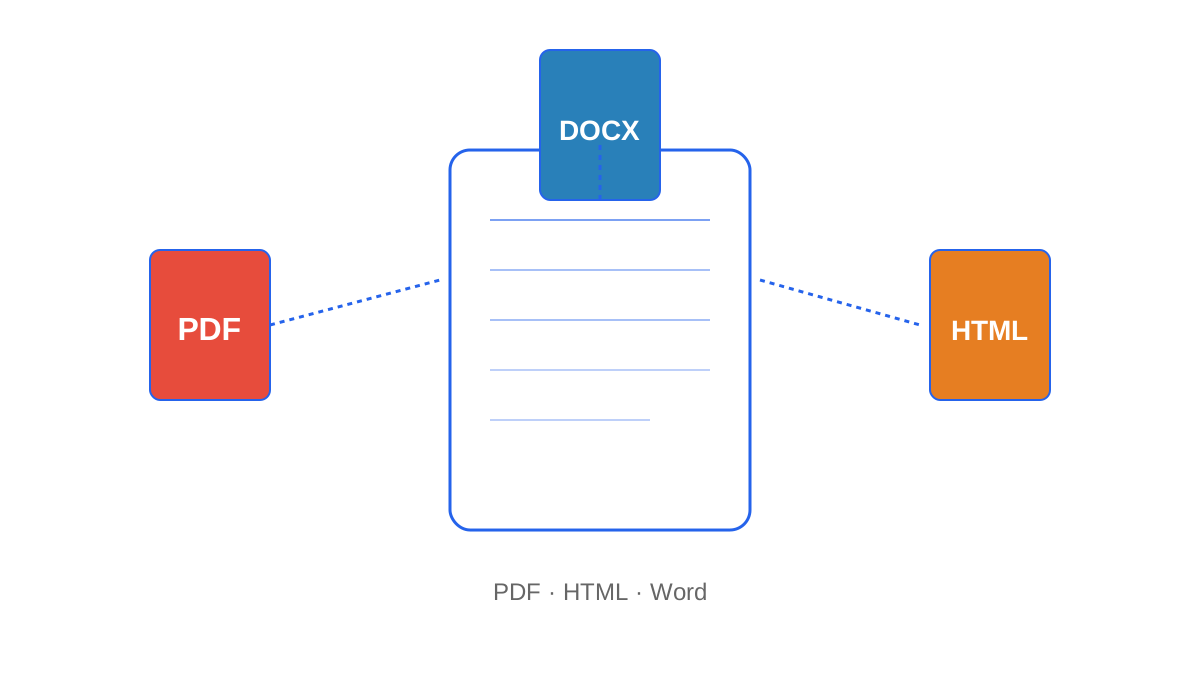
Multiple format export support for different scenario needs
- •Supports PDF, HTML, Word formats
- •Customizable export options
- •Maintains complete format and style
Technical Highlights
Discover the core technology behind Notta
Smart Chunking Architecture
Automatically splits large documents into chunks by line count, rendering only the visible area for smooth editing of massive files.
Extreme Performance
Deeply optimized on Electron — fast startup, low memory usage, and superior performance for large documents.
Cross-Platform
Native support for Windows, macOS, and Linux with a consistent editing experience and seamless data portability.
Local-First
All files stored locally. No internet required. Your data stays under your control with full privacy.
Multilingual UI
Built-in support for 10 languages including Chinese, English, Japanese, Korean, French, German, Spanish, Russian, Vietnamese, and Thai.
Theme Engine
4 built-in themes — Deep Space, Dark, Light, and Eye Care — with smooth transitions and automatic preference saving.
For Different User Groups
Whether you're a developer, researcher, or content creator, Notta meets your needs
Technical Developers
Writing technical docs, API docs, tech blogs
Needs:
- •Code highlighting
- •Large document fluency
- •Markdown support
Solution:
Notta's code highlighting supports 100+ languages, chunked architecture makes large document editing smooth
Researchers
Writing papers, academic reports
Needs:
- •Math formulas
- •Long-form editing
- •PDF export
Solution:
Notta fully supports LaTeX syntax, flexible PDF export meets academic writing needs
Content Creators
Writing PRDs, novels, product docs
Needs:
- •Eye care theme
- •Focus mode
- •WYSIWYG
Solution:
Notta provides 4 themes including eye care, WYSIWYG makes writing more focused
Ready to Experience Notta?
Download now and feel the smooth Markdown editing experience